



Born from real field maintenance experience, MANURA evolved to serve companies of all sizes and industries. From factories to municipalities, it delivers traceability, automation, and ease of use — keeping equipment and operations running safely and predictably.
Asset and Field Activity Management
Organize maintenance plans with clarity, trigger automations by periodicity, usage, or events, and keep inventory alive with technical history, costs, evidence, and end-to-end traceability. From planning to field execution, MANURA connects teams, workflows, and auditing in a single flow to support operational and strategic decisions with real context.

About MANURA
Field Activity Types
The platform combines planning, dispatch response, operational intelligence, and governance to support the full field routine.

Preventive
Activities planned by periodicity, calendar, or asset usage, ensuring technical routine and reducing unexpected failures.

Corrective
Triggered by dispatches, with downtime, risk, criticality, failure group, and SLA tracking until resolution.

Predictive
Triggered by measurements and historical data, anticipating deviations and prioritizing action before failure impacts operations.

Audits
Field assessment and inspection flows to validate compliance, standardize checks, and register traceable evidence.

Inventory Recording
Register and update assets directly in the field, ideal for operations without a reliable asset baseline or with low visibility.
Strategic Pillars

Managing What’s Precious
Manage the maintenance of critical assets with foresight and intelligence. MANURA organizes plans, records, and executions to protect what is most valuable in your operation.
Identifying Opportunities
Identify economic and operational opportunities from field data. MANURA highlights obsolete assets, pending inspections, and service bottlenecks to support prioritization, efficiency, and investment decisions.

Security and Auditing
Keep records and evidence of every maintenance performed. MANURA ensures traceability and legal protection, strengthening trust between providers and clients.
Functional Pillars
Assets (Inventory)
Each asset is treated as a living record, not an isolated list: full and traceable history, relationships with other assets, dispatches, technical and contractual information, logs, and evidence accumulated over time. This allows operational and strategic decisions to consider the real context of each asset and reduces fragmented views of data.
View asset and inventory capabilities
Activity Calendar
Unified view of maintenance and inspections by equipment.
Custom Attributes
Configurable extra fields to characterize each equipment.

History and Auditing
Complete record of all changes made to the asset.
Equipment Visual Map
Consult equipment layout and spatial organization.
Hierarchical Structure
Complete component tree, from module to station.

Equipment Photos
Updated visual register of assets.
Asset Alerts
Automatic alerts based on age, usage, or configurable criteria.
Asset Reallocation
Structured movement between sectors and business units.

Access Request (CA)
Approval flow and access log for inventory items.

QR Code Labels
Fast and traceable identification via QR Code.

Equipment Manuals
Centralized manual repository for operational consultation.
Equipment Cost Report
Consolidated view of costs associated with each asset.
Activities
A single model to represent any field action: preventive, corrective, predictive, inspection, auditing, or structured data collection. With the same operating model, MANURA organizes different routines and adapts real field processes across sectors and operational contexts.
View activity planning and execution

Trigger-Based Planning
Scheduling based on asset attributes (e.g., usage hours).

Out-of-Limit Measurements
Immediate highlight of values outside reference limits.

Periodic Planning
Recurring activity scheduling at defined intervals.

Execution via App (Offline)
Perform activities even without internet connection.

Map-Based Planning
Define activities based on asset location.

Timestamp and Geolocation
Date, time, and location stamps in field evidence.

AI for Field Technical Questions
Automatic answers based on registered manuals.

App on Google Play
Official app availability on the store.

Instrument Records
Control of instruments used during execution.

Attached Evidence
Photos, videos, and files linked to execution.

Supply Records
Tracking of materials consumed in the activity.

Reports
Generation of consolidated analyses and documents.
Configuration
Flexibility by design: forms, activity types, workflows, and integrations are available as platform configuration, not one-off customization.
View configuration capabilities
Customizable Workflows

Configurable Approval Flows
Model dynamic approval flows fully adaptable to company processes.

Integrations by Workflow Step
Trigger automatic actions and external integrations at each status change.

AI-Assisted Workflow Setup
Create and adjust workflows using natural language and AI assistance.
Activity Types

Activity and Form Personalization
Complete customization of inspections and operational flows, including required resources and instruments per activity.

Inventory-Aware Activity Configuration
Define which activities can register inventory and which equipment types and attributes can be changed.

Approval and Publishing of Configurations
Version control and approval of forms, activity types, and equipment attributes before release.
Dynamic Inspection Checklists

Reference Values and Alerts
Configurable thresholds to highlight out-of-pattern responses.

Conditional Questions
Build smart forms where questions appear only when relevant to previous answers.

AI Form Assistant
Create and refine forms with artificial intelligence support.
Additional Resources
Complementary modules to expand control over instruments, supplies, and field teams.
View additional resources
Instrument Management

Instrument Control
Manage instruments under technician responsibility.

Alerts for Uncalibrated Instruments
Notifications when an activity uses non-compliant instruments.

Calibration Management
Track calibration dates, certificates, and validity.

Calibration Reminders
Automatic reminders for instruments nearing calibration expiry.
Supply Management

Supply Records
Track materials consumed during activities.

Low Stock Alerts
Automatic notifications when items reach critical levels.
Supply Consumption Reports
Analysis by activity, team, or equipment.

Reimbursement Requests
Submit and review field expenses incurred by technicians.

Purchase and Supply Requests
Internal requests for acquisition or release of materials.

Supplier and Stock Registry
Register suppliers and control available supplies.
Team Management

Reports and Dashboards
Operational indicators and team performance analysis.

Automatic Activity Assignment
Automatically distribute activities to teams or technicians based on configurable rules.

Route Tracing
Route suggestions to optimize travel.

Team Location
Real-time view of field staff positions.

Worker Journey
History of routes taken during the work shift.

Team Calendar / Gantt
View planning and team workload over time.
Featured Capabilities
Smart Planning
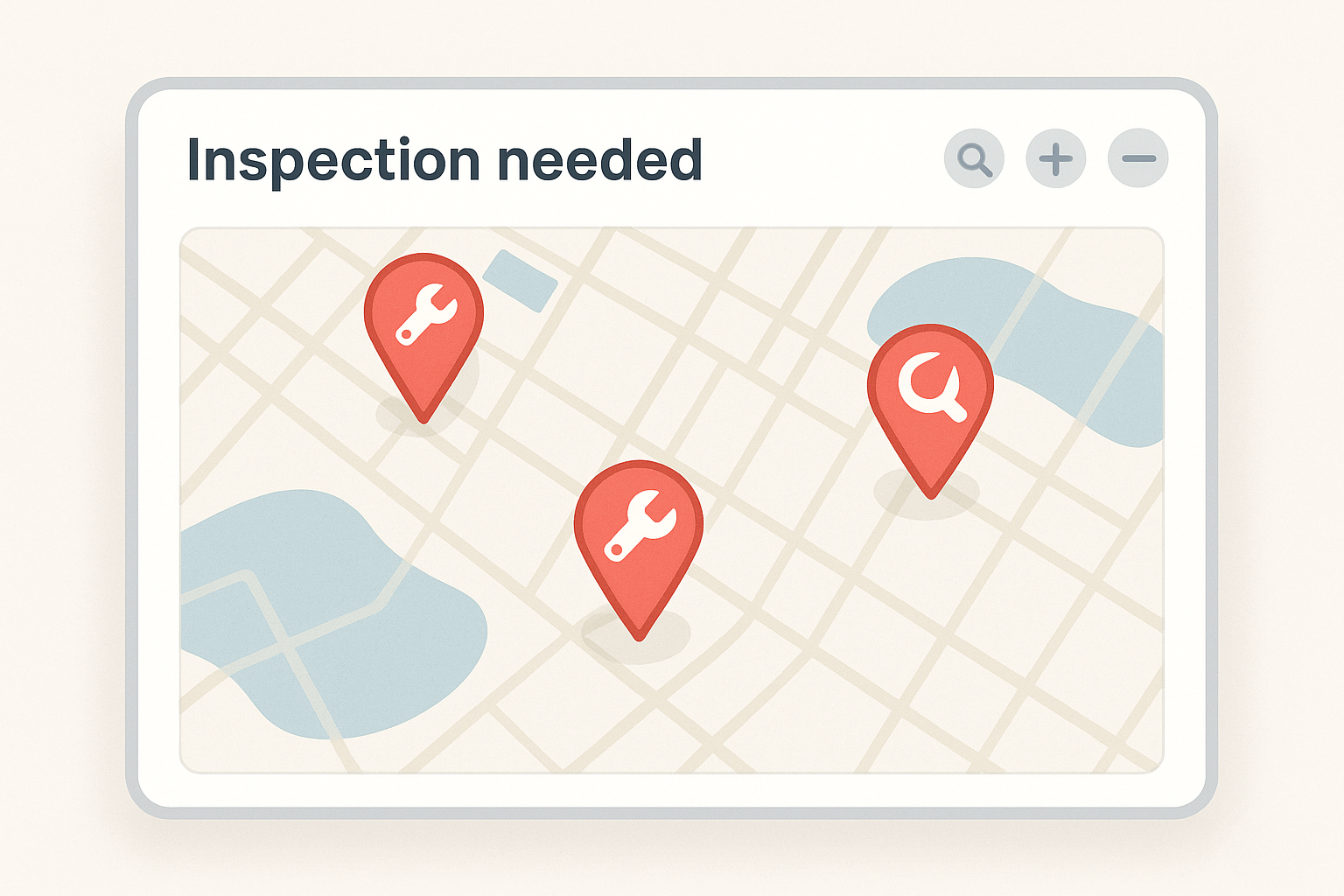
Identify assets that require maintenance based on schedules, measurements, or automated events. Anticipate failures and keep everything under control.
Inventory Management
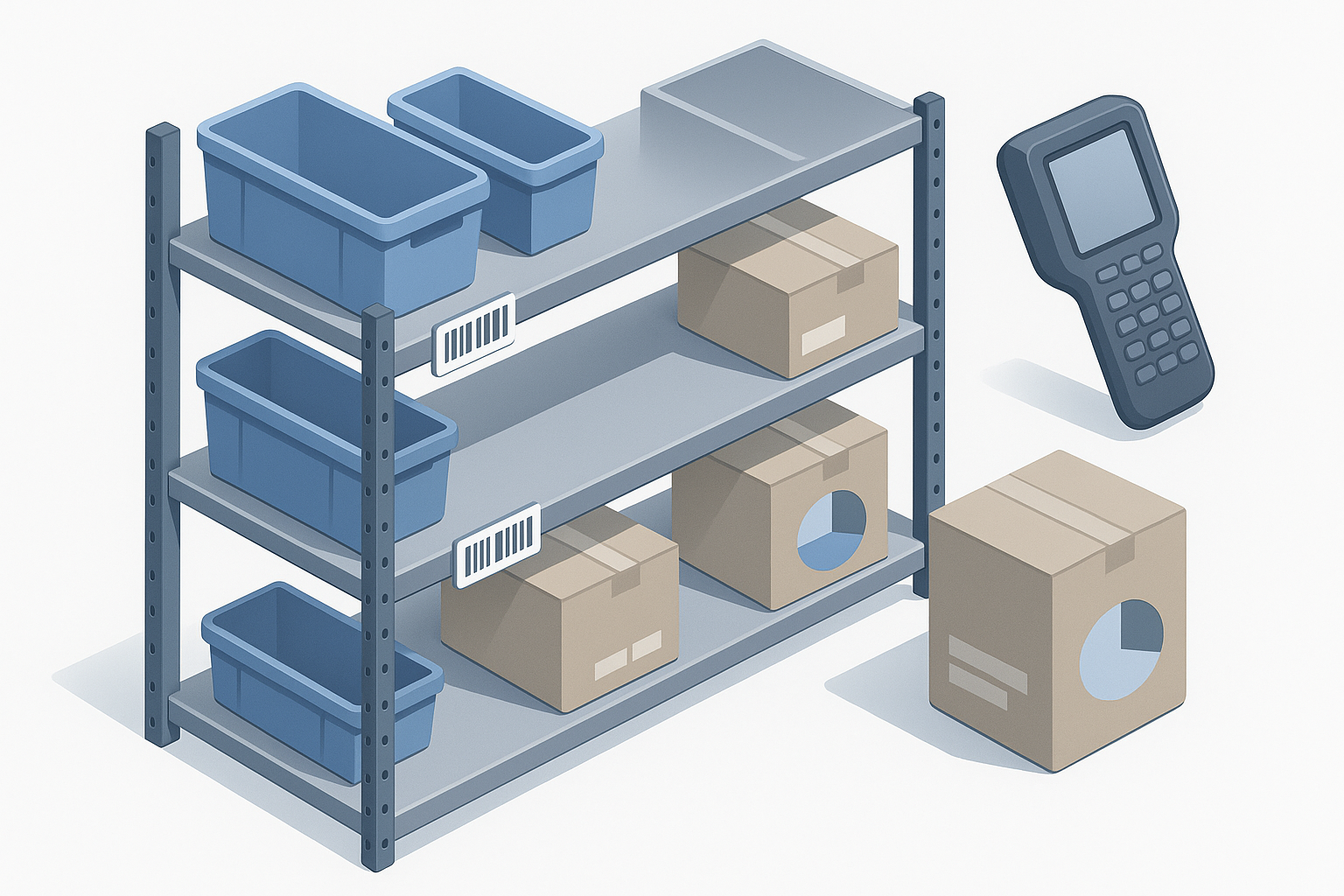
Manage every piece of equipment — from the engine to the screw. Record location, custom attributes, photos, and complete traceability.

Activity Execution
Perform maintenance tasks in the field, even offline. Capture photographic evidence, location, and execution time — ensuring total transparency.
Field Team Management
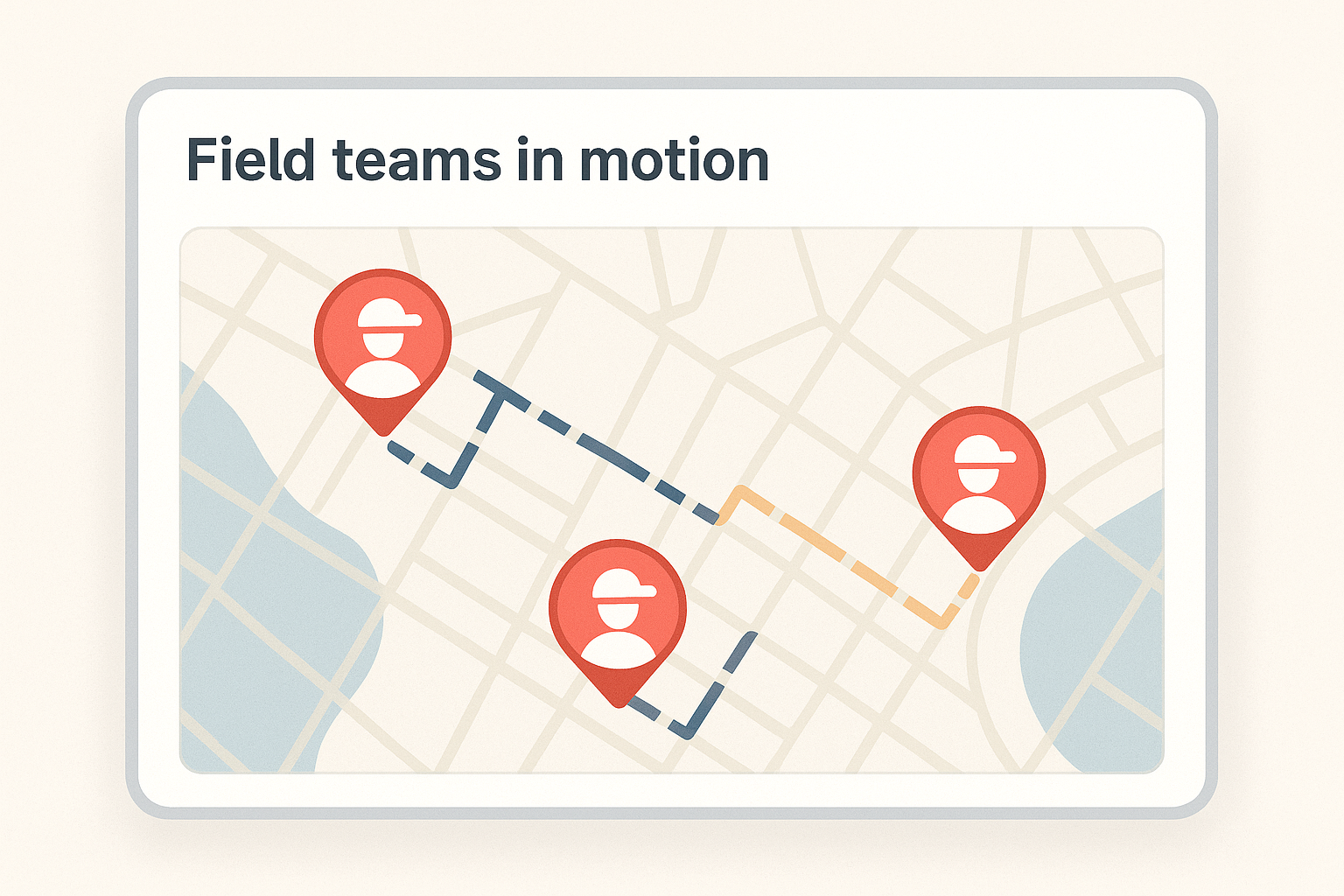
Monitor routes, locations, mileage, and team performance. Gain real-time visibility into field operations.
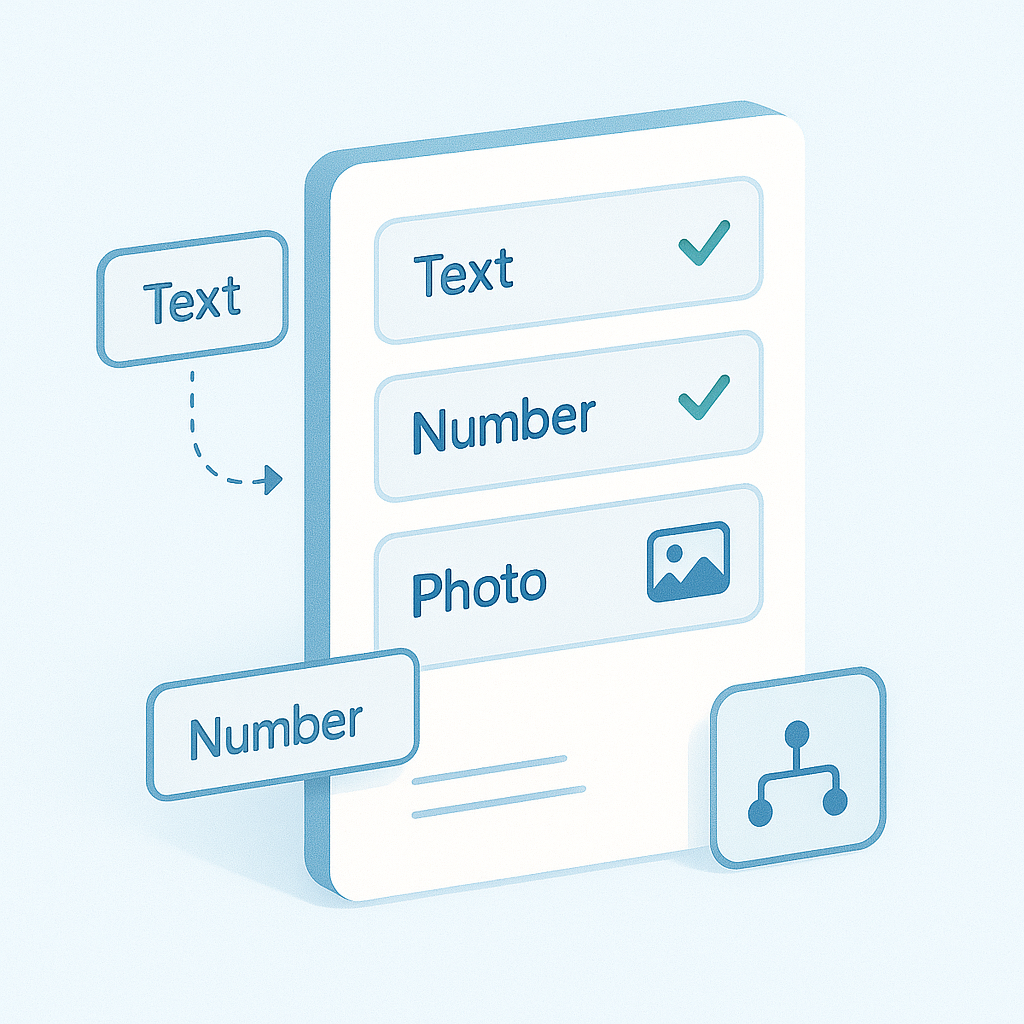
Dynamic Activities and Forms
Fully customize what’s executed in the field: forms, inspections, measurements, and attachments. Adapt processes to your operation.
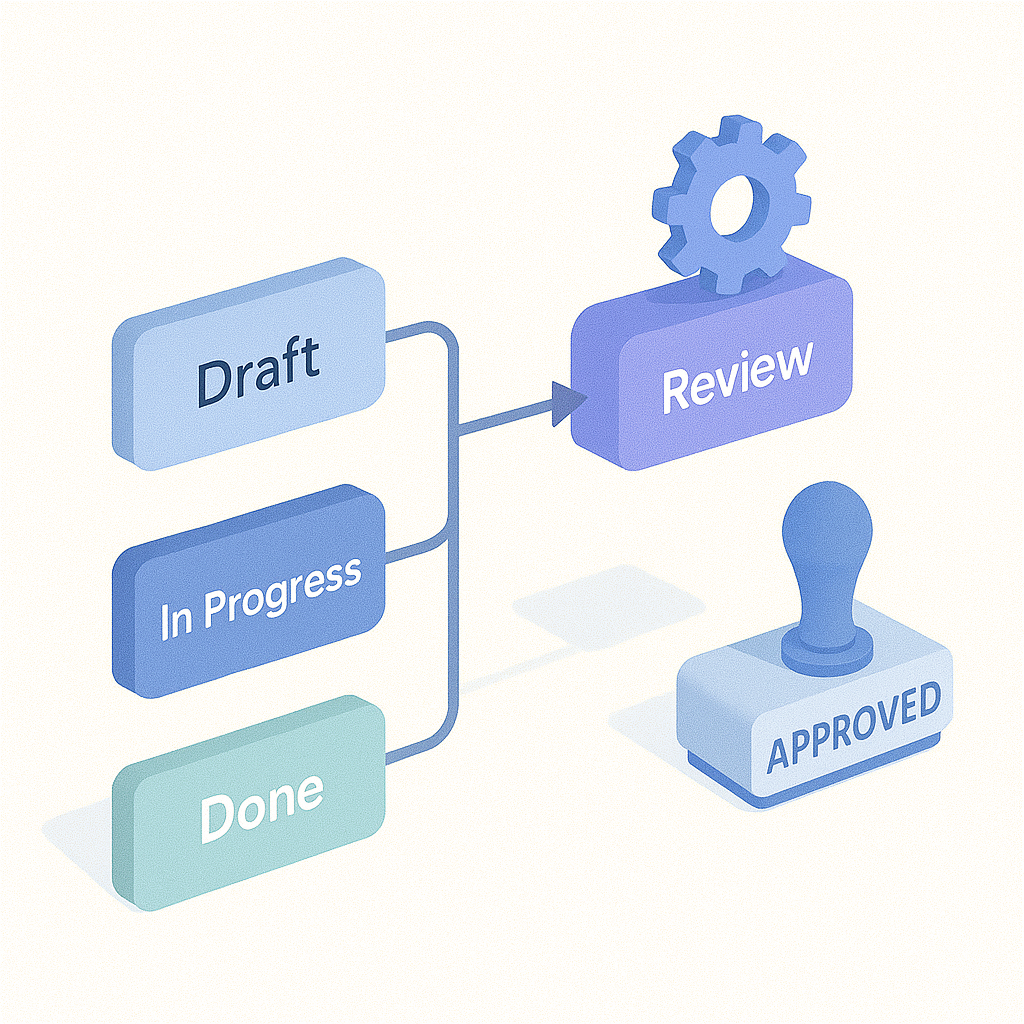
Customizable Workflows
Define states, approvals, and automations according to your structure. Simple for lean operations, powerful for complex ones.
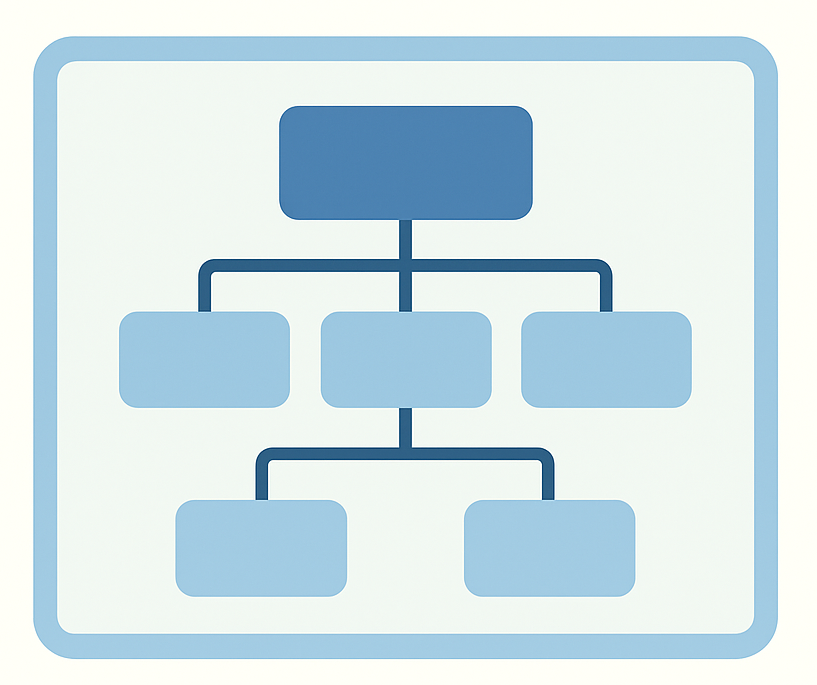
Organizational Units and Segmented Access
Organize assets by contract, region, or category. Control what each team or supplier can view and execute, with total flexibility.
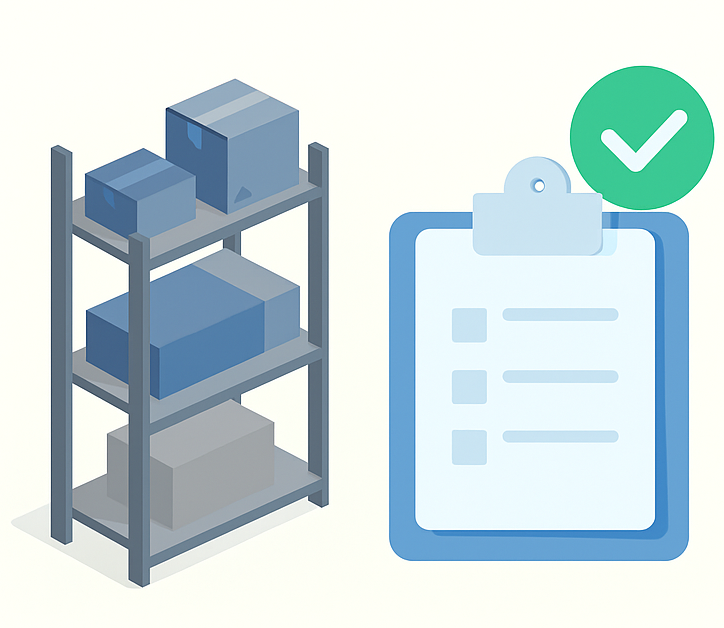
Supply Management
Track stock levels, requests, and material usage in the field. Control costs and ensure full traceability of maintenance supplies.

Instrument Management
Track instruments by technician, calibration, and validity. Know when each instrument requires calibration and where it was used.

Flexible Permissions and Roles
Create user groups and precisely define what each profile can view, edit, or approve within the system.
Frequently Asked Questions
Who is MANURA for?
For maintenance companies, industries, labs, municipalities, and condominiums — any operation that needs to manage equipment and infrastructure.
Does it work offline?
Yes. Field technicians can perform tasks without a connection. Data syncs automatically when online.
Can I create my own forms?
Absolutely. You can define specific fields, rules, and validations for each activity type.
Does MANURA replace an ERP?
No. It complements your ERP, focusing on maintenance and field operations with simplicity and agility.
Is it suitable for small businesses?
Yes. It’s designed to scale — from small service providers to large enterprises — with flexible plans.
Which modules should I enable first?
You can start with CORE and PLANNING, then expand as needed. Modules like GEO, WORKFLOW, INSTRUMENTS, and SUPPLIES can be enabled as your operation matures.
Is map-based planning mandatory?
No. Planning works without maps and already covers recurring routines and alerts. Geographic mode is enabled when the GEO module is active.
How does MANURA support audits and compliance?
The platform records operational history, responsible users, status changes, and field evidence. This improves traceability and readiness for internal and external audits.
Can I integrate it with external systems?
Yes. MANURA is built to complement your existing ecosystem. Advanced API/webhook integrations evolve according to the CONNECT module and your plan.
Are my data isolated from other clients?
Yes. The product uses organization-level segregation and role-based permissions, ensuring each client operates with their own data and access boundaries.
Contact Us
Want to know more or test a demo version?
Get in touch with our team:
Email: contato@manura.co
WhatsApp: +55 (11) 99246-0017
Support: Mon–Fri, 9am–6pm (BRT).
Support & Implementation
Count on MANURA’s team to implement, configure, and customize your maintenance operation. Technical and consultative support to help your business grow efficiently.
Email: contato@manura.co